Kundra, right inside Slack
What you can do in Slack
Once Kundra is in your Slack, you and your team stay on top of every leave and return without logging into a separate tool:
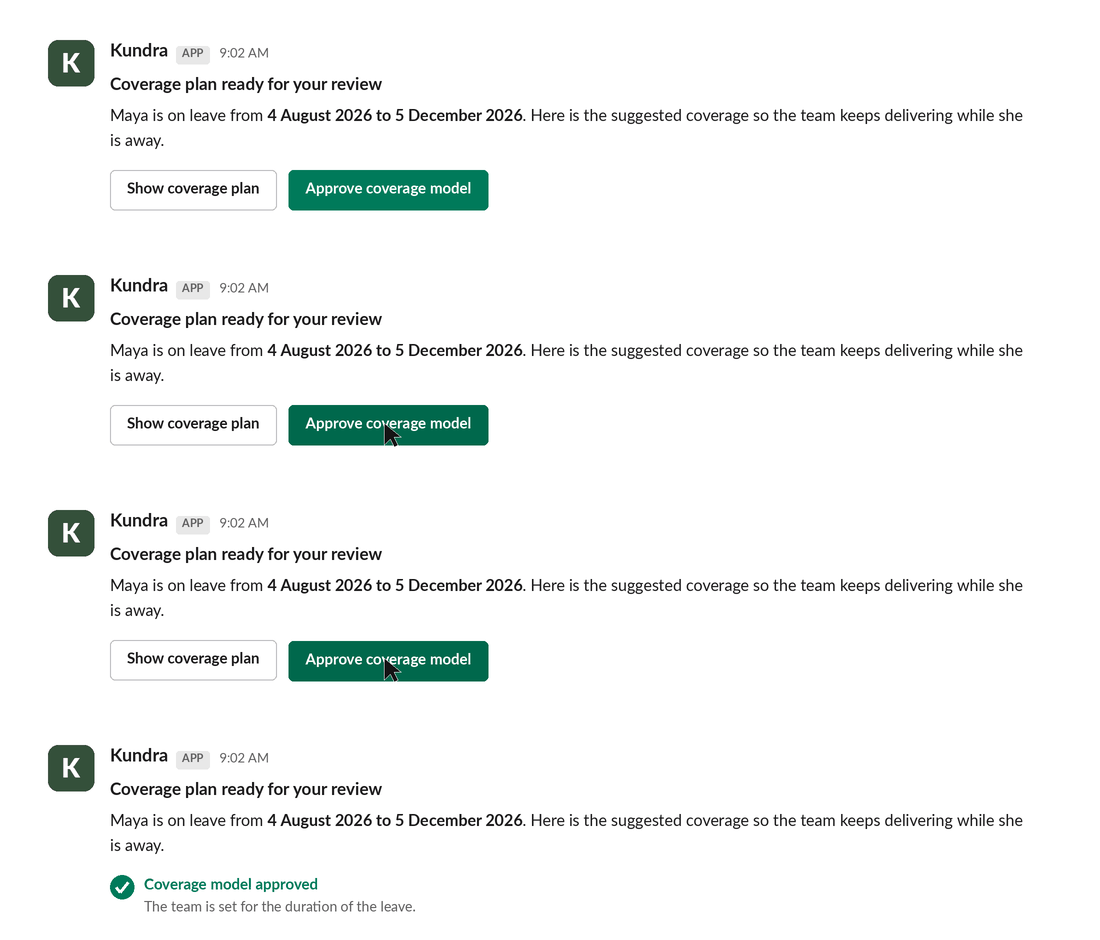
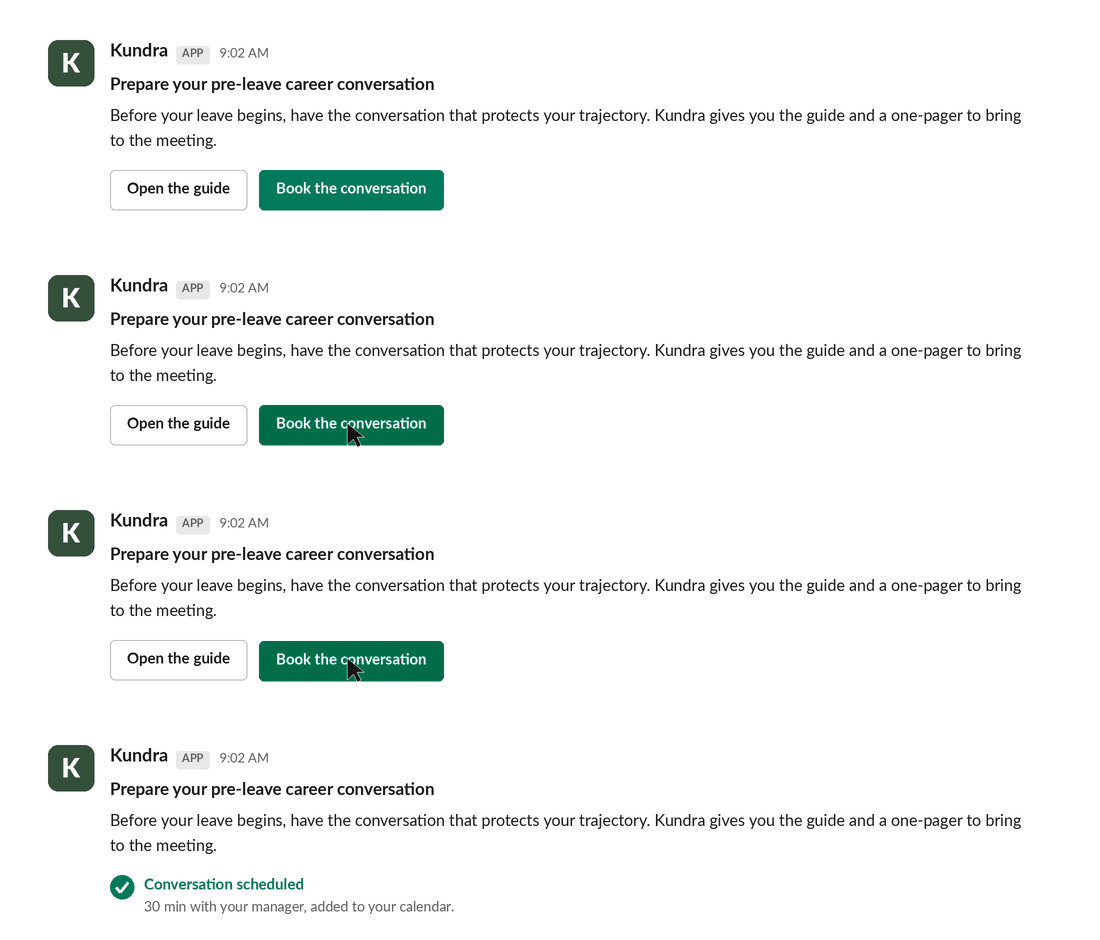
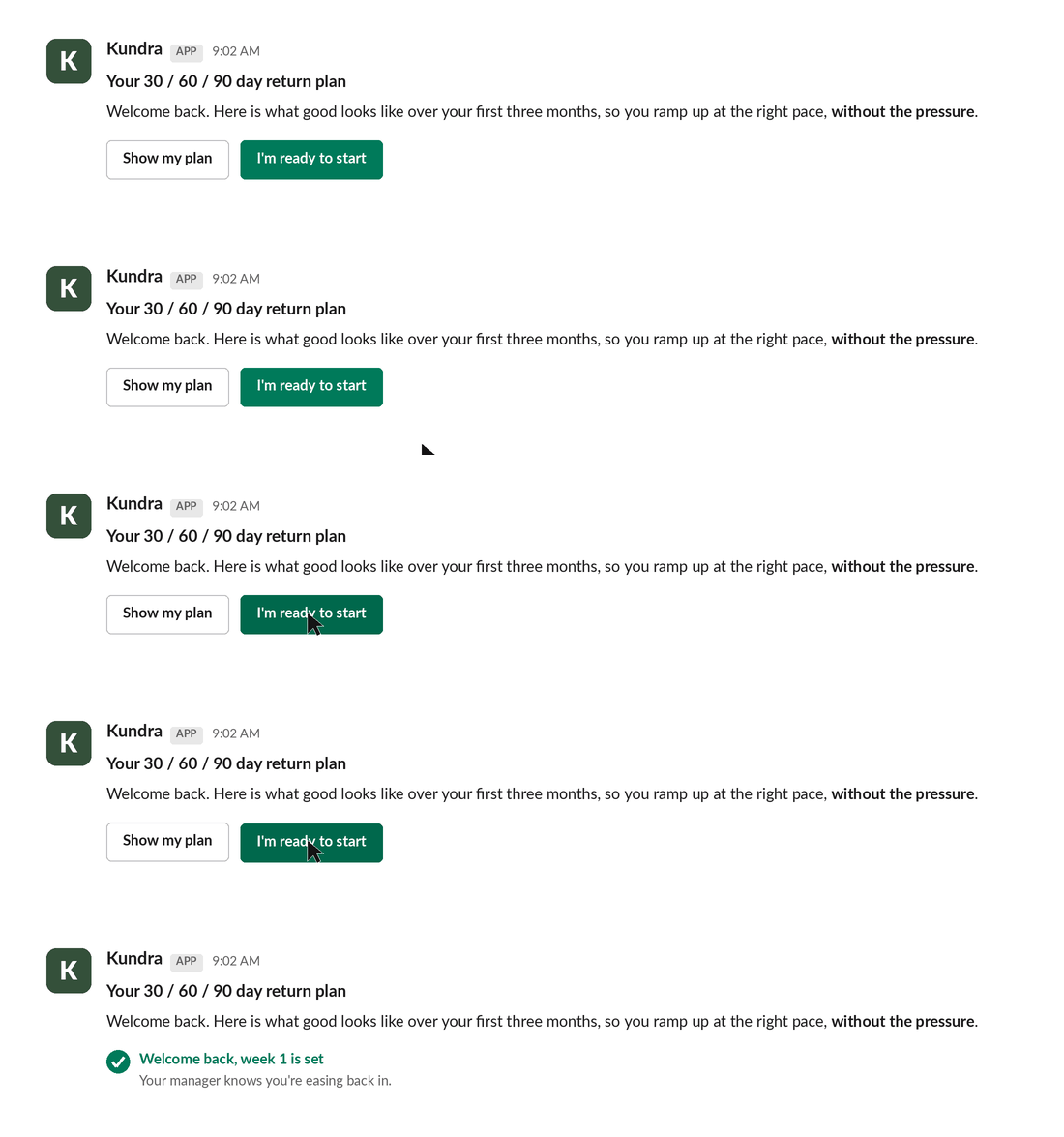
Get notified of each task in the leave or return plan, the moment it's your turn.
Act in place, approve a leave coverage model, confirm a handover, review best practices and guides, and get your reminders, all without switching tools.
Keep things moving, so work doesn't slow down while capacity is down.
Your plan lives in Kundra. Slack is just the fastest way to act on it.
Before you install
Kundra in Slack works for people who already have a Kundra account. It recognises you by your work email, the same one you use for Kundra, so there's nothing new to set up. Teammates without a Kundra account won't see tasks until they're added in Kundra.
Not using Kundra yet? Talk to us about getting your team set up.
How to install
Choose the workspace where your team works and approve the permissions.
Kundra matches you to your account by your work email, you're ready.
Takes about a minute. You'll need permission to add an app to your Slack workspace, if you don't, your Slack admin can do it for you.
After you install
Kundra sends you a short welcome message in Slack and your current tasks, if you have any. From there, every step in a leave or return plan comes to you in Slack as it's due, and you act on it right there. That's it.
Questions?
Contact support: we reply within one business day.
Privacy policy · How Kundra handles your data.